
Advanced Excel & Power BI
Master data analysis and Business Intelligence with Excel and Power BI.
In a context where decisions must be made quickly and rely on reliable data, mastering advanced Excel and Power BI has become essential. HOODO SARL offers practical training courses led by experienced data analysts, with exercises drawn from real Central African business scenarios.

01
Advanced Excel – Formulas & Analysis
- Advanced functions: VLOOKUP, INDEX/MATCH, SUMIFS, COUNTIFS and the new dynamic functions (FILTER, SORT, UNIQUE)
- Pivot tables (PivotTable): creation, grouping, slicers, timelines and automatic update of data sources
- Advanced conditional formatting with data bars, icon sets and custom formulas for immediate visual reading
- Structured data tables (ListObjects): sorting, AutoFilter, column calculations and dynamic formula updates
- Advanced charts: line charts, combined histograms, sparklines and pivot charts for impactful presentations
- Formula auditing: tracing precedents/dependents, error handling and worksheet and workbook protection

02
VBA Macros & Excel Automation
- Recording and modifying macros to automate repetitive tasks without writing code (for non-developers)
- Introduction to VBA: variables, loops, conditions and subroutines to create robust, maintainable macros
- Programmatic manipulation of sheets, ranges and workbooks to automate monthly consolidations and reports
- Creating UserForm data entry forms to simplify data collection and reduce input errors
- Interaction with other Office applications (Word, Outlook) to automate email report sending from Excel
- VBA best practices: documentation, error handling and macro security for durable, shareable code

03
Power Query & Power Pivot
- Power Query: connection to multiple data sources (Excel, CSV, databases, APIs, SharePoint, Sage) and automated transformation
- Data cleaning and transformation: deduplication, column splitting and merging, format normalization
- Automatic data refresh on open or on schedule without manual intervention, even from remote sources
- Power Pivot: creation of relational data models to analyze multiple tables simultaneously in a pivot table
- DAX (Data Analysis Expressions) language: calculated measures, KPIs, time intelligence calculations (YTD, MTD, N vs N-1 growth)
- Data model optimization for responsive reports even with several million rows of data
04
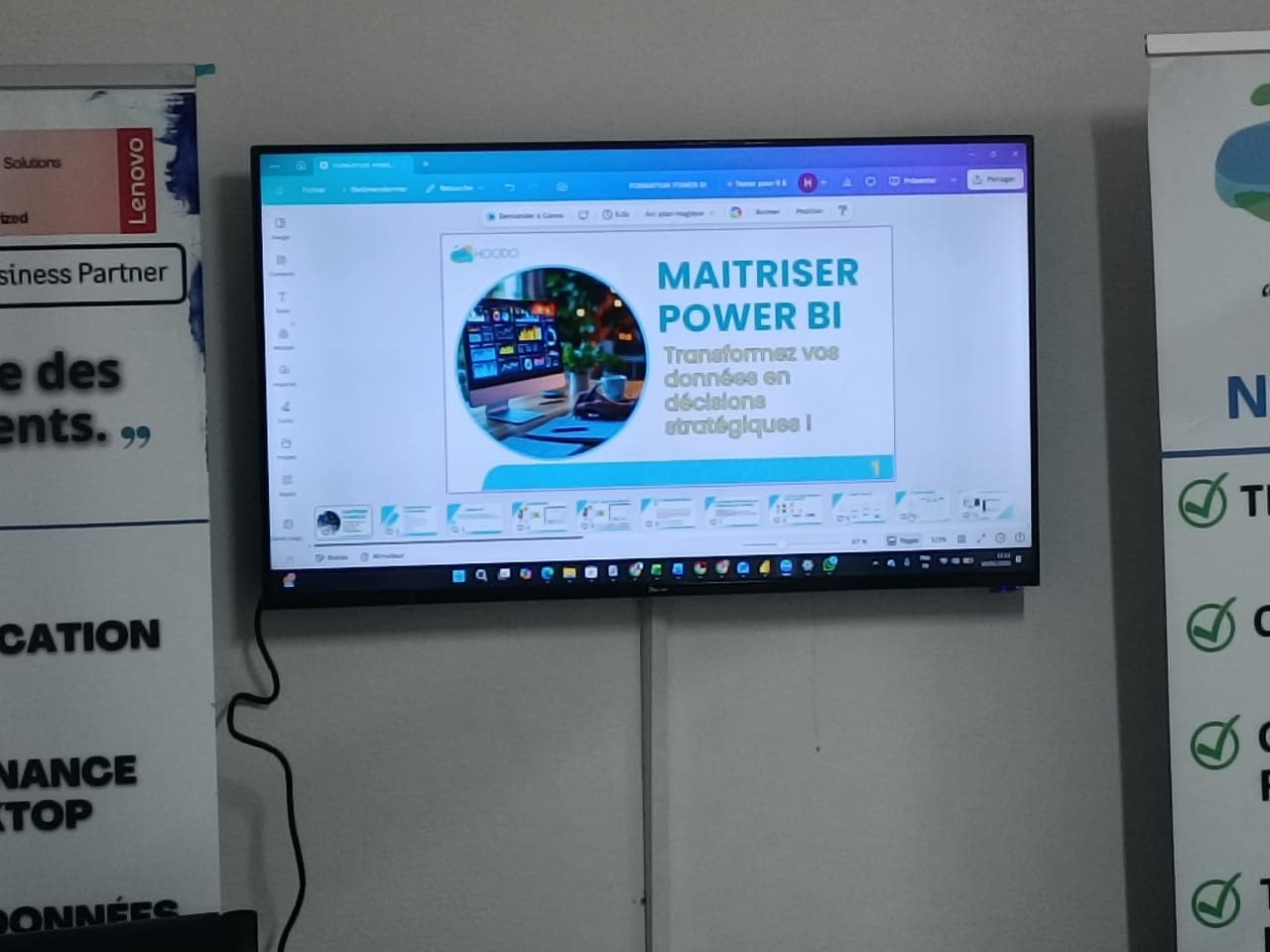
Power BI – Decision Dashboards
- Power BI Desktop: data source connections, modeling, DAX measure authoring and interactive visualization creation
- Visual library: bar charts, line charts, geographic maps, gauges, matrices and custom visuals from the Marketplace
- Design of impactful dashboards with cross-visual interactions, cross-filtering and bookmark navigation
- Power BI Service: web publication, shared dashboard creation and team collaboration via workspaces
- Scheduled data refresh in the cloud so your dashboards always reflect the most recent data
- Sector-specific case studies: sales dashboard (revenue, margins, pipeline), HR dashboard (payroll, headcount) and cash flow tracking
Ready to get started ?
Contact our team for a personalized assessment of your needs.
